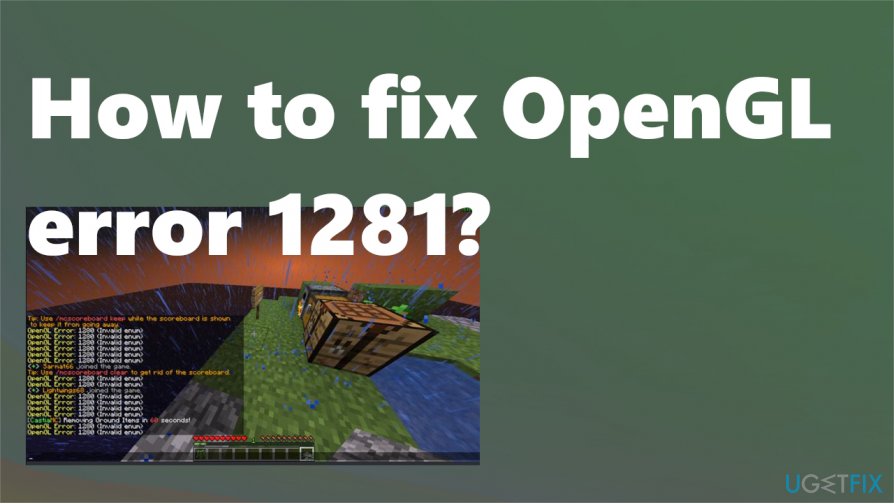
Minecraft is a popular sandbox video game that has captivated millions of players worldwide through its creative gameplay and limitless possibilities. However, like any software, Minecraft is not immune to errors and glitches that can disrupt the gaming experience. One particularly frustrating error that players often encounter is the OpenGL Error 1281.
OpenGL Error 1281, also known as the Invalid Value error, arises when there is an issue with the graphics card or driver while running Minecraft. This error can manifest in various ways, such as random crashes, frozen screens, or graphical distortions. Understanding the causes and potential solutions for Minecraft’s OpenGL Error 1281 is crucial for players who want to continue enjoying the game without interruptions.
Causes of OpenGL Error 1281
The OpenGL Error 1281 in Minecraft can be caused by a variety of factors. One common cause is outdated or incompatible graphics drivers. Over time, graphics drivers can become outdated, leading to compatibility issues with the game. Additionally, if the graphics card itself is old or not powerful enough, it may struggle to handle the demands of Minecraft, resulting in the OpenGL Error 1281.
In some cases, conflicting software or settings on the computer can also trigger the OpenGL Error 1281. For example, antivirus programs or firewalls can sometimes interfere with the game’s graphics rendering, leading to errors. Similarly, custom mods or resource packs that are not properly installed or are incompatible with the version of Minecraft being played can cause the OpenGL Error 1281 to occur.
Solutions for OpenGL Error 1281
Fortunately, there are several solutions available for players experiencing the OpenGL Error 1281 in Minecraft. One recommended solution is to update the graphics drivers to their latest versions. This can usually be done by visiting the manufacturer’s website and downloading the appropriate driver for your specific graphics card model.
An alternative solution is to try adjusting the game’s settings to reduce its demands on the graphics card. This can be done by lowering the render distance, turning off fancy graphics options, or reducing other visual effects that may be too taxing for your hardware.
If conflicting software or mods are suspected of causing the error, disabling or uninstalling them can help resolve the issue. It may also be worth running a virus scan and ensuring that no malware is interfering with Minecraft’s operation.
Ultimately, troubleshooting OpenGL Error 1281 may require a combination of these solutions and some trial and error. By taking these steps, players can hopefully overcome this frustrating error and continue to enjoy all that Minecraft has to offer.
Click here for minecraft opengl error 1281.
In conclusion, the OpenGL Error 1281 in Minecraft can be a frustrating issue for players, but there are solutions available. Updating graphics drivers, adjusting game settings to reduce demands on the graphics card, and disabling conflicting software or mods are some recommended solutions. It may also be necessary to run a virus scan to ensure no malware is causing the error. Troubleshooting this error may require some trial and error, but by following these steps, players can hopefully overcome the issue and continue enjoying their Minecraft experience.